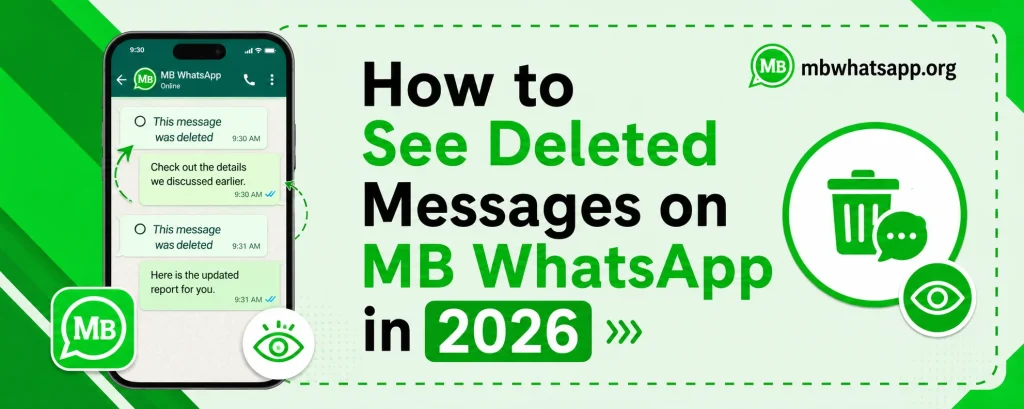
How to See Deleted Messages on MB WhatsApp in 2026
Have you ever been curious about a message someone sent you but then quickly deleted? MB WhatsApp has a feature built specifically for this situation. The anti-delete messages feature in MB WhatsApp allows you to recover and read messages that others have deleted from your chat. This guide from mbwhatsapp.org explains exactly how this feature works and how to use it in 2026.
How WhatsApp Message Deletion Works
When someone sends you a message on WhatsApp and then chooses to delete it, the official app replaces the message with a notice reading This message was deleted. The actual content of the original message is removed from your device. MB WhatsApp intercepts this process and saves a copy of the message before the deletion notification overwrites it.
Types of Deleted Messages MB WhatsApp Can Recover
| Message Type | Can MB WhatsApp Recover? | Notes |
| Text messages | Yes | Full content preserved |
| Images | Partially | Preview may be available |
| Videos | Partially | Thumbnail may be visible |
| Voice notes | Yes | Audio file preserved |
| Documents | Yes | File name and type saved |
| Stickers | Yes | Sticker image saved |
| Status updates | No | Not applicable |
How to Enable Anti-Delete Messages Feature
- Open MB WhatsApp on your device
- Tap the three-dot menu in the upper right corner
- Select MB WhatsApp Settings
- Navigate to Privacy settings
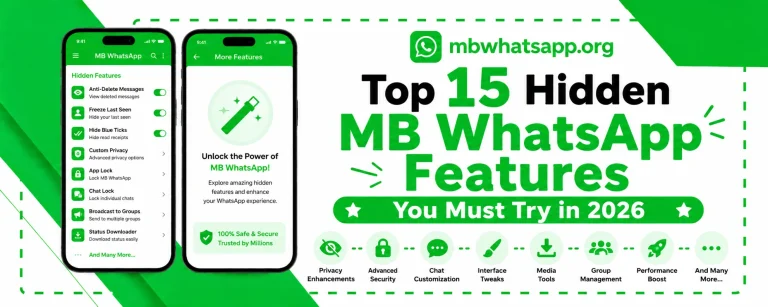
- Find the Anti-Delete Messages option
- Toggle it on to activate message recovery
Once enabled, MB WhatsApp will automatically save incoming messages before they can be deleted, allowing you to view them even after the sender removes them.
Where to Find Deleted Messages
When a message is deleted after you have enabled anti-delete, here is how to access it:
- Open the conversation where the message was deleted
- The original message will appear in place of the deletion notice
- In some versions, deleted messages are highlighted with a special indicator
- You can also access a dedicated Deleted Messages log in the MB WhatsApp settings panel
Limitations of the Anti-Delete Feature
While this feature is impressive, there are some limitations users should be aware of:
- Messages deleted before you enabled the anti-delete feature cannot be recovered
- If the sender deleted the message before it was delivered to your device, it cannot be recovered
- Rich media like large videos may only show a thumbnail or file reference
- Messages in disappearing message chats follow different rules
How to View Deleted Messages from Notifications
Another method to see deleted messages in MB WhatsApp involves the notification history feature on Android:
- On Android 11 and above, you can access notification history in Settings
- Go to Settings on your Android device
- Search for Notification History and enable it
- Past notifications including message previews will be stored here
This method works alongside MB WhatsApp’s built-in anti-delete feature for a double layer of message recovery.
Frequently Asked Questions
Q1: Will the sender know I can see their deleted messages?
No. The anti-delete feature in MB WhatsApp works silently on your end. The sender has no way of knowing that their deleted message has been recovered and can be seen by you.
Q2: Does this feature work for messages I delete?
No. Anti-delete is a receive-side feature. When you delete your own messages for everyone, they are removed from the recipient’s chat, assuming they are using the official WhatsApp. If the recipient also uses MB WhatsApp with anti-delete enabled, they can see what you deleted.
Q3: Can I see deleted messages from group chats?
Yes. The anti-delete feature works in both individual and group chat conversations in MB WhatsApp.
Q4: How far back can I recover deleted messages?
MB WhatsApp saves messages in real-time as they arrive. You can only recover messages deleted after you enabled the anti-delete feature. There is no retroactive recovery for previously deleted messages.
Q5: Where can I get the latest version of MB WhatsApp with this feature?
The anti-delete messages feature is included in the latest version of MB WhatsApp available for download at mbwhatsapp.org.
Conclusion
The ability to see deleted messages is one of the most unique and practical features WhatsApp MB offers. By enabling the anti-delete setting in mbwhatsapp.org’s latest version, you can recover messages others have tried to delete, giving you a more complete picture of your conversations.