MB WhatsApp vs Official WhatsApp: Which One Is Better?
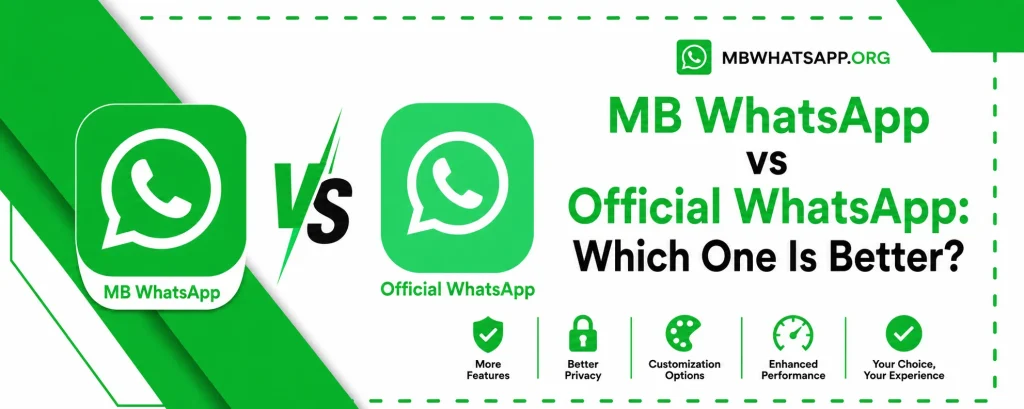
The debate between MB WhatsApp and the official WhatsApp continues to grow as more users discover what modified apps can offer. Both applications serve the same core purpose of messaging and calling, but they differ significantly in terms of features, privacy, customization, and security. This detailed comparison from mbwhatsapp.org will help you decide which one is the right fit for you.
Overview of Both Applications
Official WhatsApp is developed and maintained by Meta (formerly Facebook). It is available on the Google Play Store and Apple App Store and follows strict data policies. MB WhatsApp, available through mbwhatsapp.org, is a third-party modified version built on top of WhatsApp’s core platform but enriched with a vast library of additional features.
Feature Comparison Table
| Feature | MB WhatsApp | Official WhatsApp |
| Custom Themes | Thousands available | None |
| Privacy Controls | Advanced | Basic |
| File Size Limit | 700 MB | 16 MB |
| Message Scheduler | Yes | No |
| Auto-Reply | Yes | Business only |
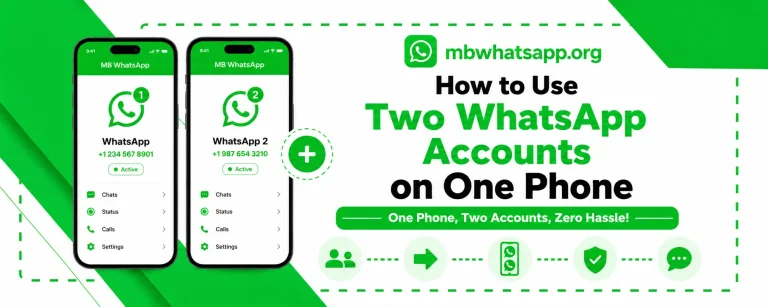
| Dual Account Support | Yes | No |
| DND Mode | Yes | No |
| Anti-Delete Messages | Yes | No |
| Hide Blue Ticks | Yes | No |
| Hide Online Status | Yes | No |
| Custom Fonts | Yes | Limited |
| Ghost Mode | Yes | No |
| Video Call Resolution | HD Supported | Standard |
| Play Store Available | No | Yes |
Privacy: MB WhatsApp Wins
Privacy is one of the strongest arguments in favor of MB WhatsApp. The official WhatsApp has made some improvements over the years, but MB WhatsApp still offers a much wider range of privacy controls:
- You can hide your online status from all or specific contacts
- Blue ticks can be disabled so no one knows you have read their message
- Second ticks (delivery confirmation) can also be hidden
- You can prevent others from knowing when you are typing
- Ghost mode allows you to read messages without triggering any read indicators
Customization: MB WhatsApp Has No Equal
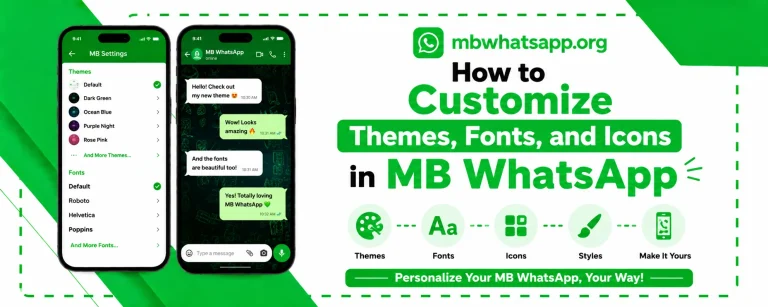
Official WhatsApp has introduced a limited dark mode and allows minor visual tweaks. MB WhatsApp, on the other hand, gives users complete control over the app’s appearance. Users can apply full themes that change every visual element of the interface, use custom fonts, resize chat bubbles, and change icon styles. All of this can be done without any technical knowledge.
Security: Official WhatsApp Has the Edge
In terms of security and platform trust, the official WhatsApp has advantages that MB WhatsApp cannot fully replicate. Official WhatsApp is end-to-end encrypted, regularly audited, and compliant with major data protection regulations. MB WhatsApp also uses end-to-end encryption for message content, but being a third-party app means it cannot offer the same level of platform-level assurances.
Performance Comparison
| Metric | MB WhatsApp | Official WhatsApp |
| App Size | ~50 MB | ~30 MB |
| Battery Usage | Similar | Slightly lower |
| Speed | Comparable | Comparable |
| Stability | Very good | Excellent |
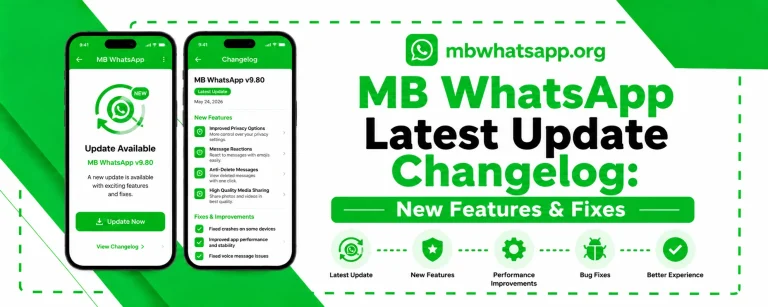
| Update Frequency | Regular | Very frequent |
Who Should Use MB WhatsApp?
- Users who want advanced privacy controls beyond what official WhatsApp offers
- People who like to personalize their messaging experience with themes and fonts
- Users who need to run two WhatsApp accounts on a single phone
- Those who frequently share large files and are limited by the 16 MB restriction
- Users who want to schedule messages or use auto-reply for personal accounts
Who Should Stick with Official WhatsApp?
- Users on iOS devices, as MB WhatsApp is primarily designed for Android
- Those who prioritize platform-level security guarantees above all else
- Business users on the official WhatsApp Business platform
- Anyone who is not comfortable installing APK files from outside the Play Store
Frequently Asked Questions
Q1: Is MB WhatsApp better than the official WhatsApp for privacy?
In terms of privacy feature options, MB WhatsApp is significantly more advanced. You can control who sees your online status, read receipts, and typing indicators at a granular level, which is not possible in the official app.
Q2: Can contacts tell if I am using MB WhatsApp?
No. MB WhatsApp is designed to be indistinguishable from the official app to your contacts. They will see a standard WhatsApp interface on their end regardless of which version you are using.
Q3: Is MB WhatsApp legal to use?
MB WhatsApp operates in a legal gray area as it modifies the official app’s code. However, its use is not illegal in most countries. Users should be aware of WhatsApp’s terms of service, which prohibit the use of modified clients.
Q4: Does MB WhatsApp support voice and video calls?
Yes, MB WhatsApp fully supports voice and video calls with quality comparable to the official application.
Q5: Where can I download the latest MB WhatsApp for this comparison to be relevant?
Always download the most current version from mbwhatsapp.org to ensure you have access to all the latest features mentioned in this comparison.
Conclusion
Both MB WhatsApp and the official WhatsApp have their strengths and weaknesses. If features, customization, and privacy options are your priority, MB WhatsApp, available at mbwhatsapp.org is the superior choice. If platform security and compliance matter most, official WhatsApp is your safer bet. Many users choose to run both simultaneously, getting the best of both worlds.