How to Use Two WhatsApp Accounts on One Phone
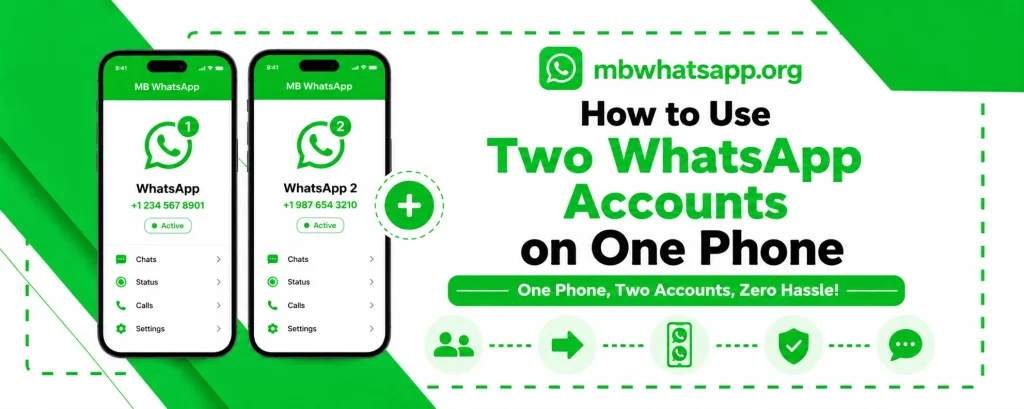
Managing two WhatsApp accounts on a single phone is a common need for many users — from professionals who want to keep work and personal communication separate to small business owners who need distinct accounts. MB WhatsApp makes this seamless and easy. This guide from mbwhatsapp.org explains every method to run two WhatsApp accounts on one phone.
Why Use Two WhatsApp Accounts?
The need for two WhatsApp accounts on one device arises in many situations:
- Keeping personal and work communications separate
- Running a small business with a dedicated business number
- Using a local number while traveling internationally
- Managing a family member’s account on the same device
- Having a secondary private account
Method 1: MB WhatsApp + Official WhatsApp
The most straightforward method is to use MB WhatsApp alongside the official WhatsApp app. Each app uses a separate phone number and maintains an entirely independent chat history.
How to Set This Up
- Install the official WhatsApp from the Play Store with your primary number
- Download and install MB WhatsApp from mbwhatsapp.org
- During setup, verify MB WhatsApp with your secondary number
- Both apps will run simultaneously with independent notifications
This is the most stable dual-account solution available and works on all Android devices without any special requirements.
Method 2: MB WhatsApp + MB WhatsApp Business
If you need two accounts with similar feature sets, you can run MB WhatsApp alongside an MB WhatsApp Business version. This gives both accounts access to the advanced MB WhatsApp features while keeping them completely separate.
Method 3: Using Android’s Dual Space Feature
Many Android devices from manufacturers like Samsung, Xiaomi, and Huawei include a built-in Dual Space or Parallel Space feature. This allows you to clone any app, including the official WhatsApp, and run two instances simultaneously:
- Go to your phone’s Settings
- Look for Dual Space, Parallel Apps, or App Twin in the settings menu
- Enable duplication for WhatsApp
- The cloned app will appear in your app drawer
- Set it up with a different phone number
Setting Up Notifications for Two Accounts
Running two messaging accounts can make notification management complex. MB WhatsApp allows you to customize notification settings for each account independently:
| Setting | How to Configure |
| Separate notification tones | MB WhatsApp Settings > Notifications > Custom Tone |
| Different LED colors | Set per app in Android notification settings |
| Custom vibration patterns | MB WhatsApp Settings > Notifications |
| Separate notification channels | Managed automatically by Android |
Managing Storage for Two Accounts
Running two WhatsApp accounts means double the media and chat data. Here are tips to manage storage efficiently:
- Regularly clear old media from both accounts
- Use cloud backup for both accounts to free up local storage
- Set media auto-download selectively — not everything needs to auto-save
- MB WhatsApp’s media manager helps identify and delete large files
Frequently Asked Questions
Q1: Can I use the same phone number for both WhatsApp accounts?
No. Each WhatsApp account, whether official or MB WhatsApp, requires a unique phone number for verification. You need two separate numbers to run two accounts.
Q2: Will contacts know I am running two accounts?
No. Each account appears as a completely separate WhatsApp user. Contacts of one account have no visibility into the other account.
Q3: Does running two accounts consume significantly more battery?
Running two messaging apps does use slightly more battery, but the difference is minimal on modern smartphones. Both MB WhatsApp and the official WhatsApp are optimized for battery efficiency.
Q4: Can I transfer chats between my two accounts?
Chat transfer between two accounts is not natively supported, as each account has its own chat database. However, you can export and share specific conversations via the export chat feature.
Q5: Where do I download MB WhatsApp to use as my second account?
Download the latest version of MB WhatsApp from mbwhatsapp.org to set up your second account with all the latest features and anti-ban protections.
Conclusion
Running two WhatsApp accounts on one phone is easier than ever with MB WhatsApp. Whether you combine it with the official app or use another MB WhatsApp variant, mbwhatsapp.org provides everything you need to manage multiple accounts comfortably on a single device.